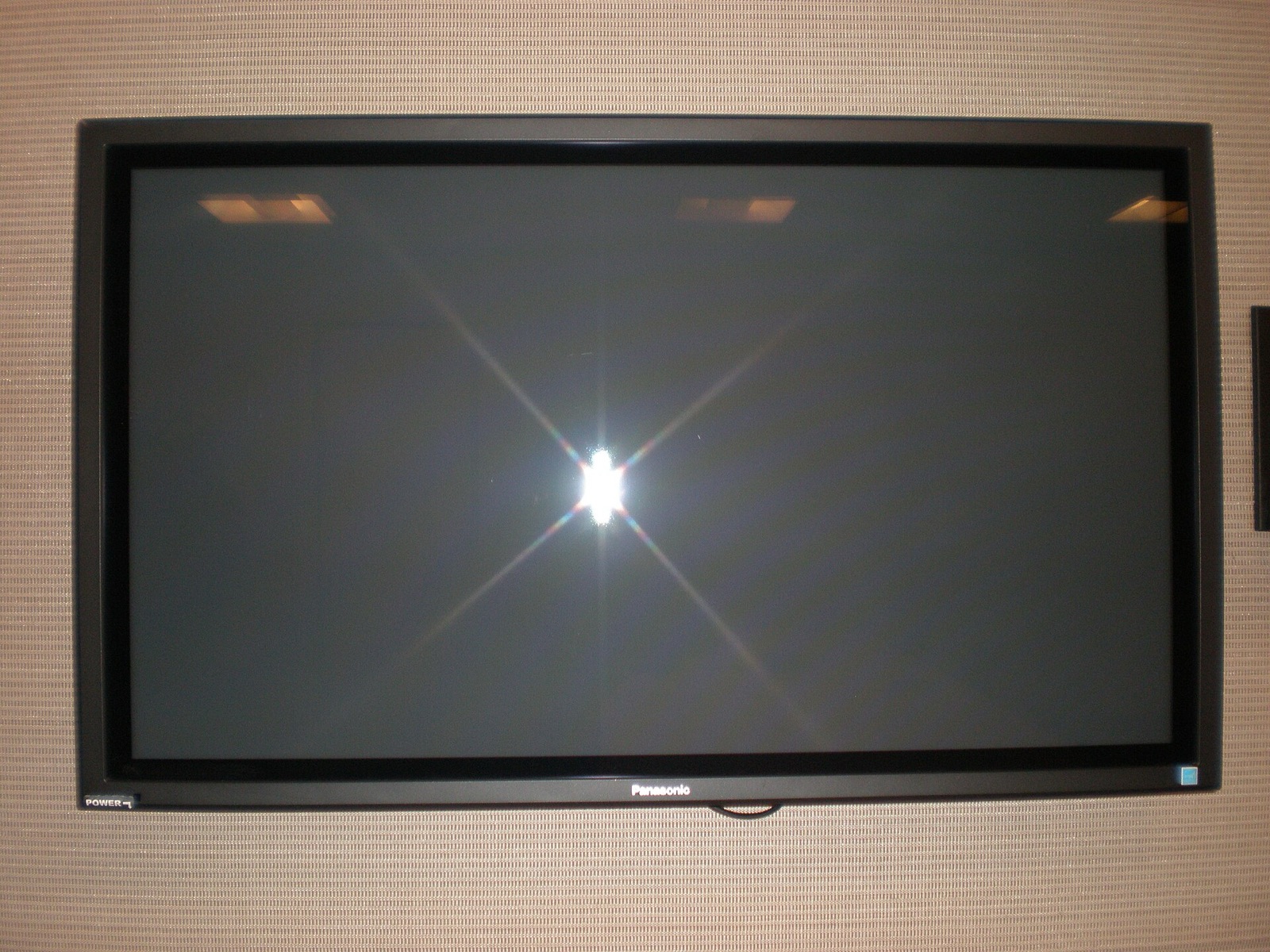

Turn the TV off and unplug every cable. Find the mount's release. On the mounts we checked, a fixed mount used pull cords. Tilting mounts used locking tabs or screws, and full-motion arms used a screw. Then 2 people lift the TV up and off the wall plate. Your mount's manual shows the exact release.
Before you start
You need 2 people. The Sanus and Echogear removal steps we checked say the TV is heavy and you may need help. One Sanus tilting-mount manual says you will need help. Samsung's wall-mount guide says to have someone help you lift the TV and not to do it alone.
Find the brand and model of your mount. It is usually on a label on the wall plate or in the box it came in. Sanus and Echogear post their instruction manuals as free PDFs on their own websites. Most of the manuals we checked have a section called "Removing the TV" or "Remove your TV" with drawings of the release.
Check your TV's weight in its manual or spec sheet. Knowing the weight helps you decide if 2 people are enough.
- A second adult to hold and lift the TV
- A screwdriver and the hex key (Allen wrench) that came with the mount, if your mount uses screws
- A socket wrench if you also plan to take the wall plate down
- A thick blanket or padded surface to set the TV on
- A phone to photograph the cable connections, if you will set the TV up again

Step-by-step: take the TV off the wall
- Turn the TV off and unplug the power cord from the outlet.
- Disconnect every cable from the TV: HDMI, antenna, sound bar and network. If the cables are hard to reach on a full-motion mount, pull the arm out from the wall first.
- Put the blanket on the floor or a table near the wall, so the TV has a soft place to go.
- Release the lock. The type of lock depends on the mount (see the table below).
- Stand one person on each side. If your manual says to, pull the bottom of the TV slightly away from the wall. Then lift the TV straight up until the hooks clear the wall plate.
- Walk the TV to the blanket and set it down without pressing on the screen.
- Unscrew the 2 brackets (the metal arms) from the back of the TV. Keep the TV screws with the mount in case you use it again.
How each type of mount releases
Mounts fall into 3 main types. The release is different for each one, and it varies by brand and model. These examples come from the makers' own manuals.
| Mount type | What it looks like | How the TV comes off (example from the maker's manual) |
|---|---|---|
| Fixed (flat) | TV sits close to the wall and does not move | Sanus BLL2: pull down and hold both release cords. Gently pull the bottom of the TV away from the wall. Then lift the TV up and off. |
| Tilting | TV angles up or down but stays close to the wall | Sanus VMPL50A: flip the locking tabs on each bracket away from the wall plate, then lift the TV up and out. Echogear's large tilt mount locks the TV with a locking screw on each bracket. Its manual has you loosen these screws to hang the TV and tighten them to lock it. |
| Full-motion (arm) | TV sits on an arm that pulls out and swivels | Sanus LLF122: remove the screw and washer that lock the TV to the arm, then lift the TV up and off. Echogear's full-motion manual also shows loosening a screw before you lift the TV off. |
If the TV won't come off
Stop and look again before you pull harder. Check for a lock you haven't released yet, such as a second cord or a screw on the other bracket.
Check both sides of the mount and the bottom edge of each bracket. Look for cords, tabs, knobs and small screws.
If you still can't free it, call the mount maker. Sanus and Echogear list customer service phone numbers in their manuals. Don't force it. Sanus warns that pulling the TV away without holding the release cords can break the locking latch.
Flush mounts made by the TV brand
Some TV makers sell their own slim mounts. Samsung says its No Gap wall mounts are only for its QLED and The Frame TVs.
These mounts don't work like the brackets above. Use the guide that came with the mount. If you don't have it, call the TV maker's support line before you pull the TV off.
Cables in the wall and power behind the TV
Some installs run cables through the wall to hide them. For cords inside a wall, Samsung suggests in-wall rated cables.
You can leave in-wall cables and wall plates in place. If someone added a power outlet behind the TV, that is part of your home's wiring. Leave it alone, or have an electrician remove it.
Taking the mount off the wall
You don't have to remove the mount to get rid of the TV. Many people leave it for the next TV. If you want it gone, do it after the TV is off the wall.
Wall plates are bolted into wood studs with lag bolts, or into concrete with anchors. Sanus and Echogear both say not to install their mounts into drywall alone. Unscrew the lag bolts with a socket wrench while a helper holds the plate, so it doesn't drop.
- Have someone hold the wall plate.
- Unscrew the lag bolts with a socket wrench.
- Lift the plate off the wall.
- Fill the holes (see the next section).
Patching the holes
DAP, a spackling maker, gives these steps. Use lightweight spackling for small nail holes and shallow dents. Use heavyweight or hybrid spackling for larger or deeper holes.
For a hole that goes all the way through the drywall, DAP says to use a mesh patch. Spread spackling on the back of the patch and press it over the hole. Then cover it with a thin coat of spackling.
- Fill the hole in layers about 1/4 inch thick. Let each layer dry before you add the next.
- Make the last layer slightly higher than the wall.
- When it's dry, sand it flat with medium-grit sandpaper. Then smooth it with fine-grit.
- Wipe off the dust, prime and paint.
Once the TV is down
If the TV will sit on furniture for a while, keep it safe from children. The U.S. Consumer Product Safety Commission says to put TVs only on furniture made to hold them, such as a TV stand. It also says to anchor TVs that aren't wall mounted.
If it's a smart TV, sign out of your accounts and reset it before it leaves your home. Our guide to wiping a smart TV has the steps for each brand.
When to get help
In those cases, ask a TV installer or a handy friend, or book a TVCycle pickup with wall removal. With that option, we take the TV and its mount off the wall and take them away. We don't patch or paint the wall.
- You have no one to help you lift.
- The TV is above a fireplace, high on the wall, or over stairs.
- The TV is very large or heavy for the people you have.
- You can't find the release or the TV won't come free.
- The mount is a slim mount made by the TV brand and you don't have its guide.
Checklist
- Find your mount's brand and model and open its manual
- Line up a second person to help lift
- Unplug the power cord and every other cable
- Release the lock: cords, tabs or screws
- Lift the TV up and off together and set it on a blanket
- Sign out of your accounts and reset the TV
- Remove the mount and patch the holes, if you want
Common questions
Can one person take a TV off a wall mount?
It isn't safe for most TVs. The Sanus and Echogear manuals we checked say the TV is heavy and you may need help. Samsung says to have someone help you lift the TV. One person can release the lock while the other holds the TV.
How do I release a TV from a wall mount with pull strings?
Pull both strings down and keep holding them. Gently pull the bottom of the TV away from the wall, then lift the TV up and off. Sanus warns that letting go of the cords too soon can break the locking latch.
Why won't my TV come off the wall mount?
Check for a lock that is still engaged. Look on both brackets for a second cord, a tab or a locking screw. The Sanus and Echogear full-motion mounts we checked use a screw that holds the TV to the arm. If you still can't free it, call the mount maker instead of forcing it.
Do I need to take the mount off the wall too?
No. You can leave it for your next TV. If you want it gone, unscrew the lag bolts that hold the wall plate to the studs. Then fill the holes with spackling.
How do I fill the holes after removing a TV mount?
Use spackling in layers about 1/4 inch thick and let each one dry. Sand it smooth, then prime and paint. DAP says to use a mesh patch for holes that go all the way through the drywall.
Will someone take my TV off the wall for me?
Yes. TV installers can. TVCycle pickup has a wall removal option: we take the TV and its mount off the wall, then take them away. We don't patch the holes.
Sources
Checked November 24, 2026. Your local drop-off site’s rules come first.
Sanus: BLL2 fixed-position TV wall mount instruction manual ↗Sanus: VMPL50A tilting TV wall mount instruction manual ↗Sanus: LLF122 full-motion TV wall mount instruction manual ↗Echogear: Large tilt TV wall mount instruction manual ↗Echogear: Full motion TV wall mount instruction manual ↗Samsung: Things to consider before mounting your Samsung TV to a wall ↗DAP: Spackling 101 ↗U.S. Consumer Product Safety Commission: Anchor It! ↗How we research →