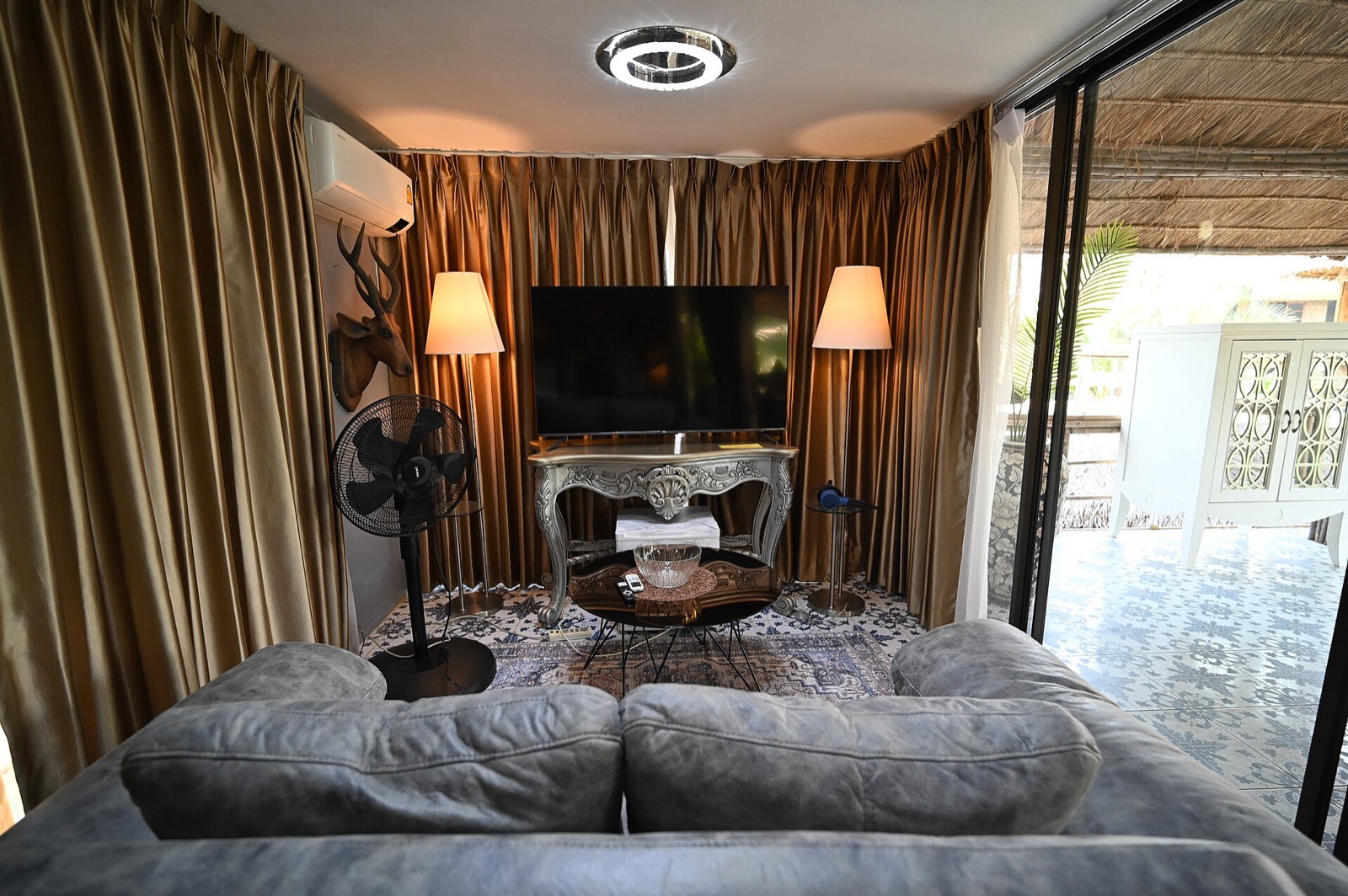

Unplug every cable and take off the stand. With 2 people, hold the TV by the frame, screen facing away from you, and carry it upright. LG's manuals say to keep it upright while you transport it and never turn it on its side. If it was out in the cold, let it dry out before you turn it on.
Carry it upright with 2 people
LG's manuals say to use at least 2 people to move a large TV. LG's UK help page says not to move a large TV by yourself.
OSHA, the U.S. workplace safety agency, tells workers to use 2 or more people to lift loads over 50 pounds. Check your TV's weight in its manual or spec sheet before you lift.
- Turn the TV off. Unplug the power cord and every other cable.
- Stand one person at each end of the TV.
- Hold the frame, not the screen. LG's OLED55B3 manual says to hold the side and bottom of the frame firmly. LG's UK help page says to support the bottom.
- Turn the screen away from you. LG's manuals say this helps keep the screen from damage.
- Lift by bending at the knees, not the waist. OSHA says this usually helps keep your spine in line.
- Walk slowly and keep the TV upright. Don't let it twist or tilt to one side.

Take the stand or feet off first
Remove the stand before you carry the TV, so you can hold the frame and stand it upright. Makers have you lay the TV face down to work on the stand. Do it on a padded table, not the bare floor.
- LG's manuals say never to set a TV face down on the floor without padding.
- Lay it face down only while you work on the stand. Carry and drive it upright.
- Cover a table with a soft blanket. Samsung says a table is better than the floor for this.
- With a helper, lay the TV face down on the blanket. Check first that nothing under it can scratch the screen.
- Unscrew the stand from the back of the TV. Vizio says to put the TV on a soft surface, like a blanket, for stand work. LG says to use a cushioned table.
- Put the screws in a bag and tape it to the stand.
- Stand the TV upright again with your helper.
Wrap the TV in a soft blanket if you don't have the box
LG's manuals recommend moving the TV in the box and packing it came in.
If you no longer have the box, wrap the TV in a soft blanket. Philips gives this advice for storing a TV without its box. It says not to use anything that could scratch the screen or the case. Tape or strap the blanket around the frame, not across the screen.
Ride it upright in the car
Don't lay a flat-screen TV flat on its back in a car if you can avoid it. LG's manuals say to keep the TV upright while you transport it and never turn it on its side. Philips says it's best to keep an LCD TV upright, also while you move it in a vehicle. Philips says this keeps the panel from flexing and cracking.
Not every maker says this. Samsung's 2018 Q9FN manual has no rule about which way to transport the TV. If your manual says something different, follow your manual.
- Measure the TV and your car's opening before you lift it.
- Stand the TV upright in an SUV, van or covered truck bed, wrapped in its blanket.
- Brace it so it can't slide or tip. LG's manuals say not to expose the TV to jolts or heavy shaking.
- Don't stack boxes or bags against the screen.
- Drive slowly over bumps.
Let a cold TV dry out before you turn it on
Water can form inside a cold TV when you bring it into a warm room. This is called condensation.
TCL's manual for its C635K TVs says to let the condensation dry up before you turn the TV on. Vizio's guide for its E-series TVs says to wait before turning it on, to avoid fire, shock or damage. Neither gives a time.
Philips says to wait a few hours for the inside to dry. That is the only time we found from a TV maker. If your manual gives a time, follow it.
LG's manuals say a TV that feels cold may flicker a little when you turn it on. LG says this is normal.
Very large and curved TVs need more care
Check the weight on the spec sheet. LG's manuals say it may take 2 or more people to carry larger TVs. OSHA tells workers to use 2 or more people for loads over 50 pounds.
The makers' pages we checked have no separate moving rules for curved TVs. Use your model's manual, or call the maker before you move one.
Tube TVs are a different job
Old tube (CRT) TVs are heavy, and EPA says the funnel glass inside the tube has lead. Don't carry one alone, and don't drop it. Our tube TV guide covers how to move one and where to take it.
Check the drop-off site's size limits before you go
Check the site's rules before you load the car. Best Buy takes flat-panel TVs 50 inches and smaller and tube TVs 31 inches and smaller in its stores. Larger TVs need a haul-away service.
Bring a helper to carry the TV from your car. Keep it upright on the way, even if it's going to be recycled. If the screen cracks, our broken TV guide explains where it can still go.
If the TV is too big or heavy, or you don't have a vehicle that fits it, book a TVCycle pickup. We pick it up at your home and take it away.


Checklist
- Find the TV's weight and line up enough helpers
- Unplug every cable and take photos of where they go
- Remove the stand on a padded table
- Wrap the TV in a soft blanket if you don't have the box
- Carry it upright by the frame, screen facing away
- Ride it upright and braced in the car
- Let a cold TV dry out before you turn it on (Philips says a few hours)
Common questions
Can you lay a flat-screen TV down in a car?
It's better not to. LG's manuals say to keep the TV upright while you transport it and never turn it on its side. Philips says to keep LCD TVs upright in a vehicle so the panel doesn't flex and crack. Check your own manual if you aren't sure.
Can one person carry a flat-screen TV?
Use 2 people for any large TV. LG says not to move a large TV by yourself. OSHA tells workers to use 2 or more people for loads over 50 pounds.
Where do you hold a TV when you carry it?
By the frame. LG's OLED55B3 manual says to hold the side and bottom of the frame firmly and keep the screen facing away from you. Never press on the screen.
How long should a TV warm up after being in the cold?
TCL and Vizio say to wait until any condensation dries before you turn it on, but don't give a time. Philips says to wait a few hours. If your manual gives a time, follow it.
How do you pack a TV without the box?
Wrap it in a soft blanket. Philips gives this advice for storing a TV without its box, and says to use nothing that can scratch the screen or case. Take off the stand first, and tape the blanket around the frame, not across the screen.
Should I take the stand off before moving a TV?
Yes. Lay the TV face down on a blanket-covered table, unscrew the stand, and keep the screws in a bag. Then carry the TV upright.
Sources
Checked November 25, 2026. Your local drop-off site’s rules come first.
LG: OLED55B3PSA owner's manual, Lifting and moving the TV (PDF) ↗LG: UF6700 owner's manual, Lifting and Moving the TV (PDF) ↗LG UK: How to prepare for relocating and installing an LG TV ↗Samsung: Set up your Samsung TV ↗Samsung: Q9FN series user manual (PDF) ↗Vizio: E422VLE, E472VLE, E552VLE quick start guide (PDF) ↗TCL: 43-75C635K user manual (PDF) ↗Philips: Recommended operating and storage humidity and temperature levels (storage and moving tips) ↗OSHA: Materials Handling, Heavy Lifting (Electrical Contractors eTool) ↗EPA: Cathode Ray Tubes (CRTs) ↗Best Buy: Electronics and Appliances Recycling ↗How we research →